Some time has passed since the first article. I've learned a few things since then, and applied it to my setup.
A friend of mine, before buying an iPhone, had the same smartphone model as mine - a Redmi Note 11 (spes).
Since he kept it in a drawer with no use for it, I asked him to give it to me.
The one I had, already had a replaced battery and screen - and I missed the OLED. And would you believe it? He just gave it to me! And didn't even wipe his data. There were photos of him naked!
Anyway, after backing up some photos of me, I wiped the rest of the device. And off I went to unlock the bootloader. These Xiaomi devices are a real pain to do anything in the developer settings, you need to have a Xiaomi account, and when unlocking, you need a SIM to do it via mobile data. Anyway, I had done this before so it was easier this time around. But the process isn't simple. On the first time I had to watch a vietnamese tutorial to do it. I also had to use a virtual machine with Windows 10 to use the Xiaomi unlock tool and the spoof tool from the vietnamese guy. Unfortunately, CrDroid no longer had maintainers for my device.
So I found Project Matrixx, which is a CrDroid fork, and it had a maintainer. Thank you, to spesmynuts for your service! Note that the stock ROM was stuck in Android 13, so this allowed me to make the upgrade to Android 16! I installed it after flashing TWRP and such. And also took the oportunity to root it with Magisk. I learned a lot just experimenting. Trying to get all integrity flags working, spoofing bootloader status, using things like De1984 and Privacy Flip, both by Doru Moramu. Excellent work.
I also didn't install GApps, because I wanted to be free of Google entirely (which I still couldn't do).
I had a lot of help through the XDA Forums and Yuri's Telegram Channel.
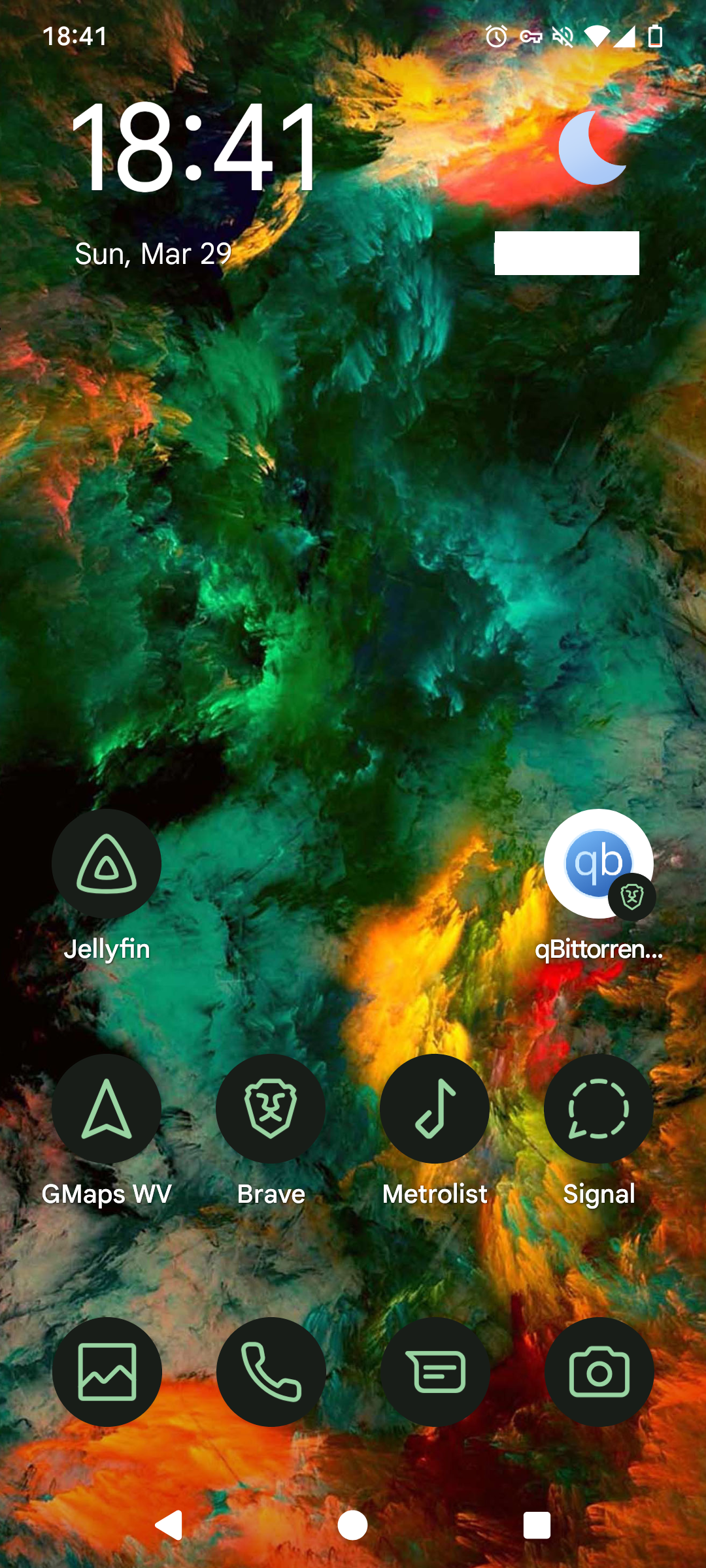
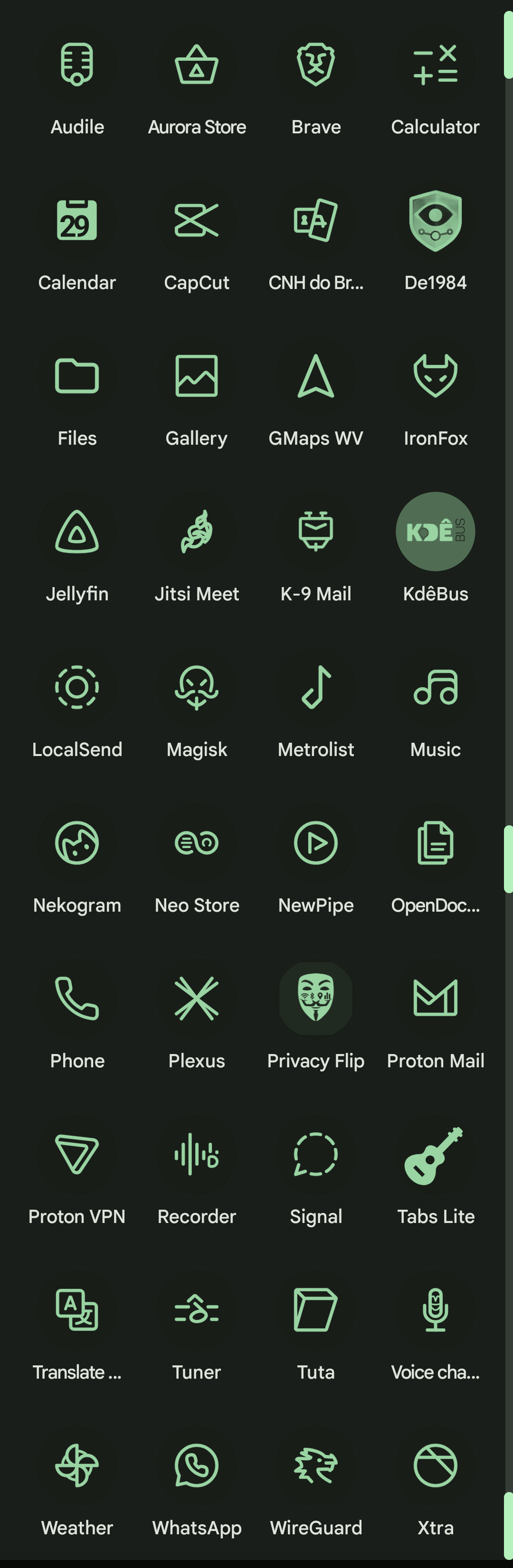
Some apps like KdêBus need MicroG to display a map in the app which is originally meant to use google maps. With microg it uses MapLibre instead to display it.
I don't recommend just anyone to do this. A lot of things were made more difficult for me because of this. It's the convenience dillema. Please do research on your device, if it's chipset has wide support for developers, if a ROM has maintainers for your device, TWRP also needs to support your device, and check the compatibilty of the apps you need, like banks and such before attempting any of what I've said. I got lucky my bank didn't mind me having a custom ROM or Google Play integrity, but it did mind the device being rooted, and I could spoof that.
Thank you for reading. I hope you've learned something.
-Ernopolis